| 지원되는 언어: | 여러 언어 | 사용 가능한 버전: | 가정 및 학생, 가정 및 비즈니스, 전문가 |
|---|---|---|---|
| 운영 체제: | 윈도우, MacOS | 온라인 서비스: | Office Online, Microsoft 365 |
| 메디아: | 물리적 카드 | 시스템 요구 사항: | 1GHz 프로세서, 2GB RAM, 3GB 사용 가능한 디스크 공간 |
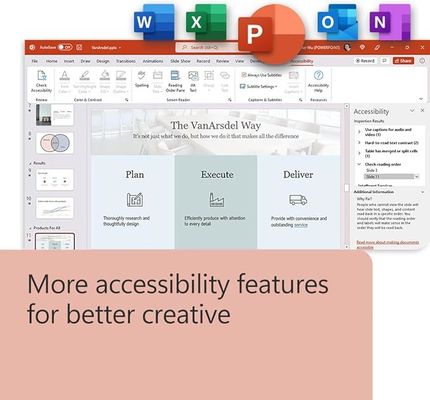
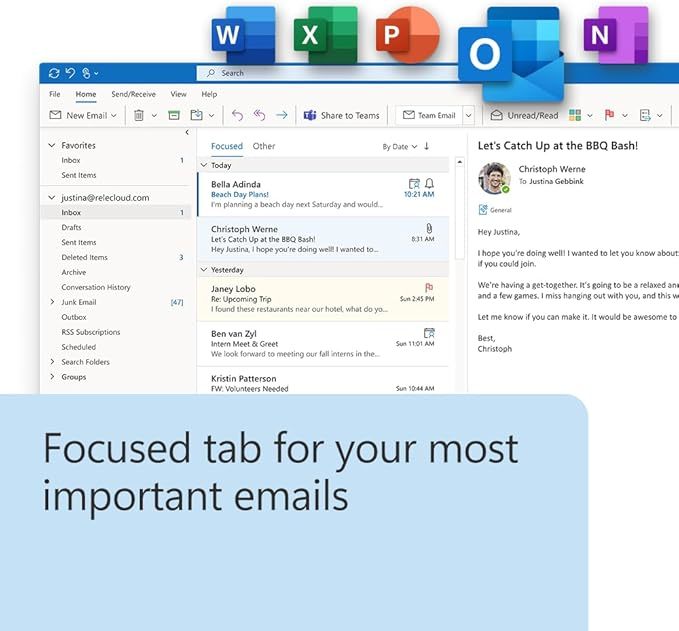
| 협업 도구: | 워드, 엑셀, 파워포인트, 아웃룩, 원노트 | 클라우드 통합: | OneDrive, SharePoint, Microsoft 팀 |
| 강조하다: | Microsoft Office 2024 Pro Plus,Office 2024 retail binding key,Office Pro Plus business license |
||
Same activation method used by Microsoft retail stores
One-time payment, no renewal forever
Supports Microsoft Teams for communication
Safe installation from Microsoft’s official website
24/7 customer support
| Quick Detail | |
|---|---|
| Edition | Pro Plus Retail Version |
| Activation | Microsoft account binding |
| Region | Global activation |
| Downloads | From official Microsoft site |
This license works perfectly for office work, students, freelancers and companies. After purchase, you’ll receive a binding key, activation guide, and official download link.
| Feature | Yes/No |
|---|---|
| Commercial Use | ✅ |
| Multi-language | ✅ |
| 1 PC | ✅ |
This is a digital product; no physical disc or box will be shipped.
The license is for 1 PC only and is bound to your Microsoft account.
Avoid fake shared licenses—ours is permanently tied to your account
Non-refundable once redeemed
A: A Binding Account Key permanently links your Office license to your Microsoft account. This allows you to easily reinstall Office on the same PC or transfer it to a new PC (if permitted by Microsoft's terms) by simply logging into your Microsoft account.
A: This is a one-time purchase for a perpetual license, meaning you own the software and do not need to pay recurring subscription fees.
A: Your product key and detailed activation instructions will be sent to your email address immediately after your purchase is confirmed.
A: This particular license is for activation on one PC only. For multiple devices, you would need to purchase additional licenses or consider a Microsoft 365 subscription.
A: Yes, we provide customer support for activation issues. For software-related technical support, you can contact Microsoft Support directly.